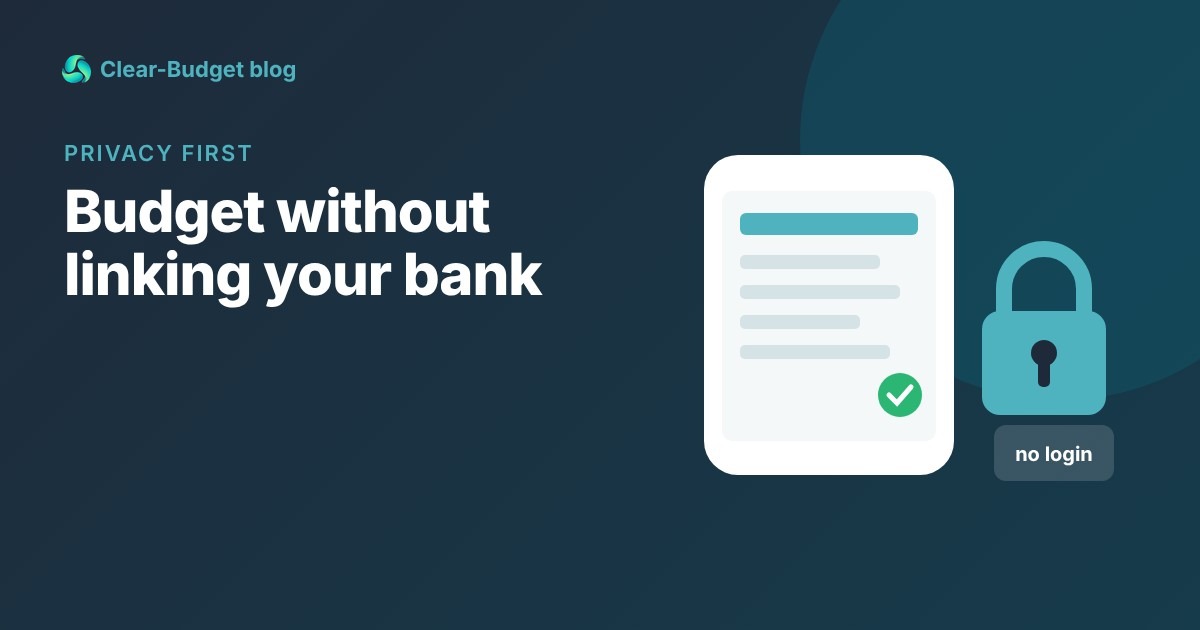
Many budgeting apps ask you to connect your bank on day one. Plenty of people would rather not. They might be uneasy about sharing their login, or they might simply want to stay closer to their money.
The good news: you can run an accurate budget without ever linking an account. This guide covers why people choose manual budgeting, the methods that work, and the weekly habit that keeps the numbers right.
|
Key takeaways • A manual budget can be just as accurate as a linked one if you check in once a week. • Reconcile against your bank balance or statement once a month to catch anything missed. • Repeating items do most of the typing for you: enter paychecks and bills once. • Several tools work with no bank login, including Clear-Budget, spreadsheets and the free plans of some apps. |
Why some people don’t link their bank
There is no single right answer here. These are the reasons people give most often.
• Privacy. A linked app can see every transaction. Some people don’t want a third party holding that picture of their life.
• Fewer places holding your access. Connections often go through a data aggregator. YNAB, for example, notes on its method page that Plaid provides account information services. Every extra connection is one more thing to trust and manage.
• Awareness. Typing in a $48 takeout order makes you notice it. Automatic imports are easy to scroll past.
• Reliability. Bank connections can break or lag, and then you are fixing imports instead of budgeting.
If any of these sound like you, manual budgeting is a perfectly good choice, not a second-best one.
Manual budgeting methods that work
1. A paycheck list with a running balance
List each paycheck and each bill with its date, in order, and keep a running balance. This is the method behind budgeting by paycheck. It is quick because most items repeat.
2. A spreadsheet
One row per item: date, name, amount, paid yes or no, balance. A simple formula adds the running balance. It is fully private if the file stays on your device.
3. Cash envelopes
Withdraw cash for groceries, gas and fun money each payday and keep it in envelopes. When an envelope is empty, that spending stops. It is the most hands-on method there is.
4. A notebook
Old-fashioned, but it works. Write down every purchase and check it against your bank app on Sunday. Our guide to tracking your spending has more ideas for keeping this habit.
Set up a manual budget in about 20 minutes
The first setup is the only slow part. After that, most of the work is already done.
1. Gather last month’s bank statement. It lists your real bills, subscriptions and paydays. With Clear-Budget Premium, you can upload it as a CSV and get suggested paychecks and bills to check, still with no bank login.
2. Enter your paychecks with their dates and set them to repeat.
3. Enter every fixed bill with its due date and set it to repeat. Rent, phone, insurance, loans and subscriptions all belong here.
4. Add a spending item per pay period for groceries, gas and household items. Use last month’s totals as a starting point.
5. Add savings as an item, even a small one, so it happens first rather than last.
Not sure which costs belong in which group? Fixed vs variable expenses explains the difference.
Make day-to-day entry fast
• Enter purchases at the checkout. Ten seconds now saves guessing later.
• Don’t chase pennies during the week. A quick estimate at the checkout is fine. Your weekly check-in is when you fix exact amounts from the bank app.
• Group tiny purchases. One "coffee this week" item is easier than seven.
• Use your bank app to read, not to sync. Glancing at recent transactions is a quick way to remember what you bought.
How to stay accurate: the weekly check-in
The real risk with manual budgeting is drift. A few small purchases go unrecorded, and after a month your budget and your bank disagree.
The fix is a short weekly check-in. Pick a day, like Sunday evening, and follow these four steps.

A short weekly check-in keeps a manual budget accurate.
1. Open your bank app and look at the last seven days. You are only reading; nothing is connected.
2. Add anything missing to your budget, and adjust amounts that were different from your plan.
3. Mark what has cleared as paid.
4. Compare balances. Your bank balance should match your budget’s balance from paid items. If it doesn’t, find the gap now.
Most weeks this takes 10 to 15 minutes. It also doubles as a quick money review, which helps you stick to your budget.
Reconciling against your bank statement
Once a month, when your statement arrives, do a fuller check. Go line by line and tick off each transaction that is also in your budget.
Worked example: Sam finds $56.50
Sam budgets manually. On Sunday, Oct 18, his budget says his balance from paid items should be $842.60. His bank app shows $786.10.
|
Step |
Amount |
Running gap |
|
Budget balance (paid items) |
$842.60 |
|
|
Bank balance |
$786.10 |
$56.50 short |
|
Found: pharmacy, Oct 13, not entered |
-$38.75 |
$17.75 short |
|
Found: coffee and snacks, Oct 15, not entered |
-$17.75 |
$0.00 |
|
Budget after fixes |
$786.10 |
Matches |
Two small purchases explained the whole gap. Because Sam checks weekly, the gap was small and easy to find. If he had waited a month, he would have been hunting through dozens of transactions instead of two.
When the bank shows more than your budget
• You marked a bill paid that hasn’t cleared yet. Leave it unpaid until it shows in the bank.
• A refund or deposit came in that you didn’t record. Add it as income.
• A charge was smaller than planned, like a utility bill. Update the amount.
Tools that work without a bank login
|
Tool |
Cost |
How it works without a bank link |
|
Clear-Budget |
Free; Premium $3.99/month or $30/year |
Never asks for a bank login. Dated items, running balance, repeats, swipe to mark paid. Premium can build a budget from a statement you download. |
|
Free |
Monthly budget with manual transaction entry. Bank connection is Premium only. |
|
|
Free |
Envelope budgeting with manual entry. Bank sync is Premium only. |
|
|
$109/year or $14.99/month |
Lets you add unlinked accounts and enter transactions yourself. |
|
|
Spreadsheet or notebook |
Free |
Fully manual and fully private. |
Prices checked October 2026 on each company’s own page (linked). Prices can change.
For a wider comparison of free options, see our Mint alternatives roundup.
How Clear-Budget handles manual budgeting
We built Clear-Budget for people who want a budget without a bank connection. There is no bank login, ever.

Clear-Budget never asks for a bank login. You add items and swipe them paid.
• Repeating items. Enter a paycheck or bill once and repeat it weekly, every two weeks or monthly.
• Running balance. See your balance after every item, and your balance from items marked paid.
• Swipe to mark paid. The weekly check-in is mostly swiping.
• Works offline on your phone, so you can add a purchase at the checkout.
• Statement upload (Premium). Download a CSV statement from your bank’s website and upload it. Clear-Budget suggests paychecks, bills and spending for you to check.
• Bill reminders. A phone notification or an email the day before a bill is due, or a Monday email with the week’s bills.
Sign up free with Google or email, and a guided tour on a practice budget shows you around. If you want to try the numbers first, use the free paycheck budget calculator.
FAQ
Is it safe to link my bank to a budgeting app?
Many people do it without problems. Linking is a personal choice about convenience versus how many services can see your accounts. If you would rather not, a manual budget works fine.
How often should I update a manual budget?
Add purchases as they happen if you can, and do a 10 to 15 minute check-in once a week. Reconcile with your statement once a month.
What if my budget and bank balance don’t match?
Look for missing purchases first, then bills marked paid that haven’t cleared, then amounts that differ from your plan. Weekly checks keep the gap small.
Can I budget on my phone without linking my bank?
Yes. Clear-Budget’s phone app never asks for a bank login and works offline. EveryDollar and Goodbudget also offer manual entry on their free plans.
This article is for general information only and is not financial advice.